
Lost a HomeKit or Matter setup code?
Look on the device, its box and its manual first. Then save every code in SmartHomeQR, so the next time a device needs pairing, the code is already on your phone. It is free for 5 devices. Premium is $6.99, paid once, no subscription.
For iPhone, iPad, Apple Watch and Android. No account, and it works offline.
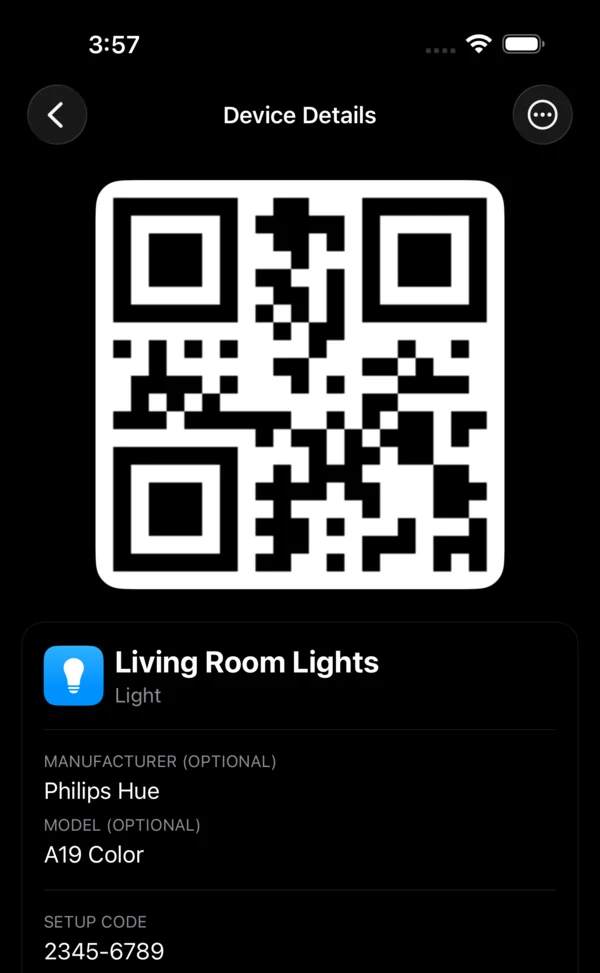
Where setup codes are printed
A smart home device prints its setup code in up to three places: on the device, on its box and in its manual. If yours is in none of them, ask the company that made the device. SmartHomeQR cannot recover a code it never saw. It keeps the next one.
- HomeKit printed like 482-19-735
- An eight digit setup code, often beside a QR code, printed on the accessory, on its box or in its manual.
- Matter printed like 3497-011-2332
- A QR code and an 11 digit manual pairing code, printed on the device or its packaging. Apple Home and Google Home accept either one.
- Z Wave printed like 34028-23669-20938-46346-33746-07431-56821-14553
- A DSK, a long number printed in groups of five digits, on the device label and often on the box as well. The first group, often underlined, is the PIN a hub asks for.
What it does
- Scans the label
- Point the camera at the QR code on the device or its box, or pick a photo you already took. SmartHomeQR saves the code and fills in the maker and model when it recognizes them.
- Reads the printed code
- It reads supported setup codes straight from the text on a label, without typing. You can always enter a code yourself.
- Knows your ecosystem
- It recognizes HomeKit, Matter, Z Wave, Zigbee and Thread codes. For a Matter device it shows the 11 digit manual pairing code printed on the label, the one Apple Home and Google Home accept.
- Organizes by home and room
- Make a home for the house, the apartment or the office, then a room for each space. Search across every home and room, and every device carries its category, such as lights, locks or thermostats.
- Ready when you pair again
- Open a saved QR code fullscreen and scan it from the screen with a compatible app on another device, or read the setup code off the screen.
- Private and offline
- No account and no sign in. It works offline, so your codes are there with no signal. They stay on your own devices, and in your own iCloud on iPhone, unless you export or share them. An optional app lock asks for Face ID on iPhone, or your fingerprint, face or PIN on Android.
On iPhone, iPad, Apple Watch and Android
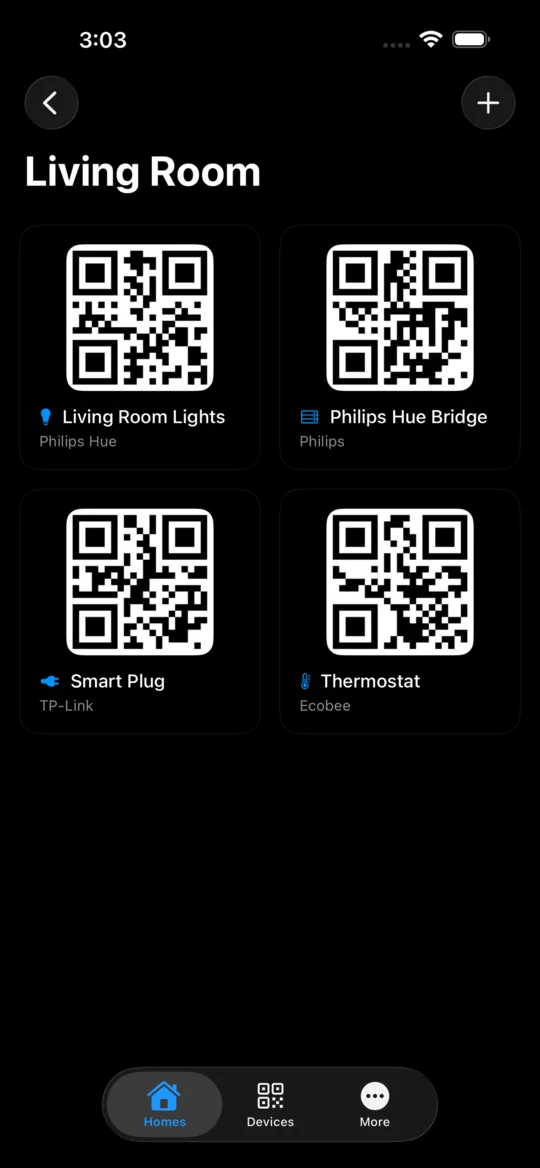
iPhone and iPad
iCloud sync keeps your codes on all your Apple devices. Home Screen widgets put a code one glance away, and Premium adds writing NFC tags. Back up to a JSON file and restore from one.
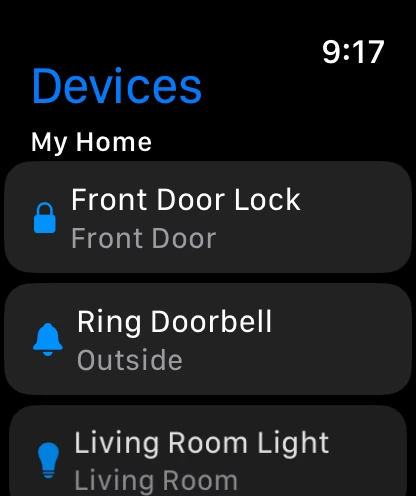
Apple Watch
Your iPhone sends your devices and their codes to the watch, so a code is on your wrist while you stand at the device.
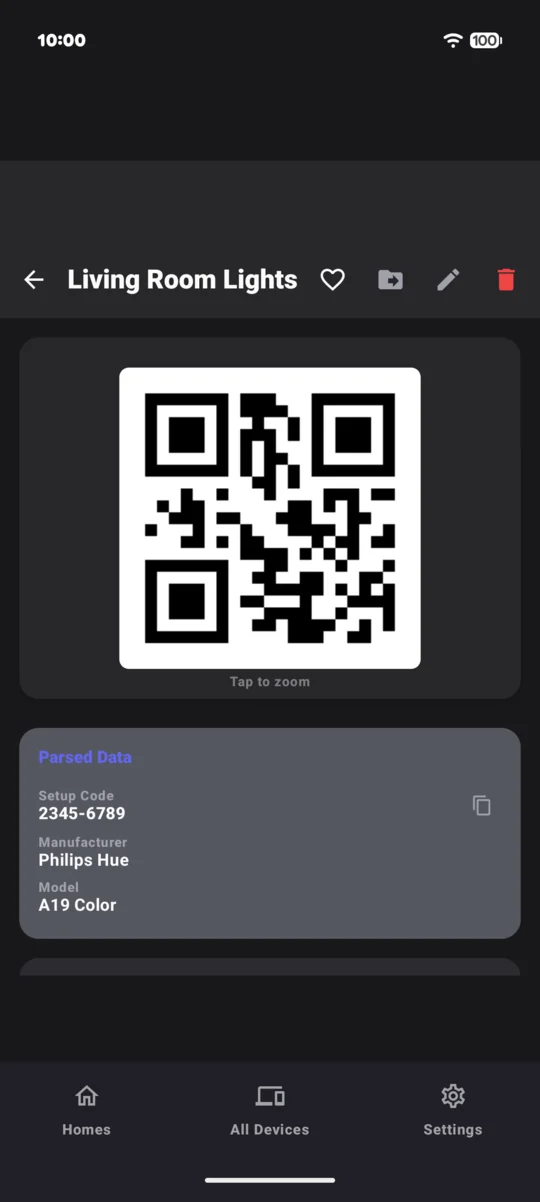
Android
Scanned codes are saved as clean, regenerated QR images. Your vault stays on your phone, with no cloud sync, so back up and restore with a JSON export when you switch phones.
$6.99 Paid once, no subscription.
- Free
- 5 devices, 1 home and 3 rooms.
- Premium
- Unlimited devices, homes and rooms, plus NFC tag writing on iPhone. One purchase unlocks it: on the App Store for your Apple devices, on Google Play for Android.
- Outside the US
- That is the US price. Your store shows the price in your country.
- Bought it before 4.0?
- If you bought SmartHomeQR on iPhone before version 4.0, Premium is already yours.
Questions
- Can SmartHomeQR find a setup code I already lost?
- No. It saves the codes you scan or type in, so it cannot recover one it never saw. Look on the device, its box and its manual, and if the code is not there, ask the company that made the device.
- Does it work with Matter and Google Home?
- Yes. SmartHomeQR saves Matter setup codes and shows the 11 digit manual pairing code printed on the label, the one Apple Home and Google Home accept.
- Which codes can it save?
- HomeKit, Matter, Z Wave, Zigbee and Thread codes, and the QR codes of many smart home brands. It recognizes the protocol and, when it can, the maker and model.
- Is there an Android app?
- Yes, on Google Play. On Android your codes stay on your phone, because the Android app has no cloud sync. A JSON backup moves them to a new phone.
- Do I need an account, a subscription or a signal?
- No. There is no account and no subscription, and it works offline. It is free for 5 devices, 1 home and 3 rooms, and a single purchase unlocks Premium.